
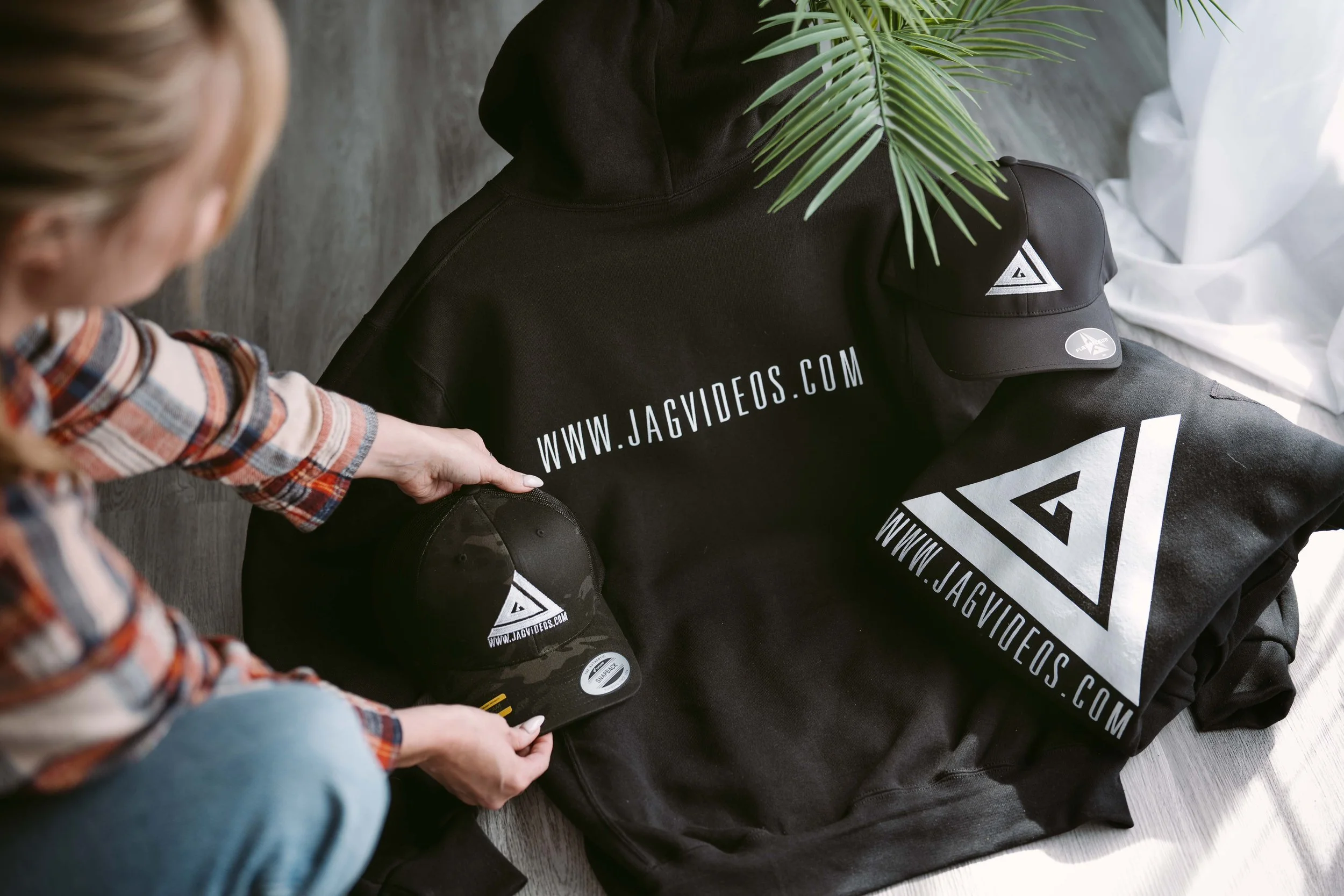
Week 8 - Product Photography
Learn the fundamentals of product photography
Learn how to capture professional-looking product photos using a smartphone or DSLR, simple lighting setups, and reliable camera angles.
What You’ll Learn This Week
Lesson 8 - Product Photography (Mobile & DSLR)
This lesson focuses on creating clean, professional product photos using simple tools and lighting setups. You’ll learn how to optimize your camera or smartphone, shape light to add depth, and use proven angles that consistently work for product and food photography.
By the end of this lesson, you will understand:
• How to use window light to create soft, natural product lighting
• How to shape and control light using simple diffusion (sheers, curtains)
• How to stage products and build layers for more visually interesting shots
• How to use depth of field creatively (f/1.4) to enhance your images
• How to experiment with angles and composition for stronger results
• How to create both clean product shots and more lifestyle-style images
• Simple techniques to make your photos look more professional without complex setups
Lesson 8 Downloads
These are the digital versions of the handouts you’ll receive in class. Download and save these to your computer for easy reference.
If you misplace your printed handout, this is your backup copy.
🎥 Lesson 8 Video
This is your Lesson 8 video walkthrough. Watch this before class to prepare, or revisit it afterward to reinforce what we covered in the studio.
Take notes as you watch. Don’t worry about mastering everything at once - we’ll build this skill together through hands-on practice.
Week 8 Assignment
Photograph one product, dish, or ingredient setup using natural window light.
Focus on creating a clean, visually interesting image using simple tools and thoughtful staging.
Your assignment:
Use window light as your main light source
Use a sheer curtain or similar material to soften the light (if needed)
Stage your product and build layers (background, props, textures)
Experiment with depth of field (try shooting at a wide aperture like f/1.4 if possible)
Capture your product from at least two different angles
Explore both a clean product shot and a more creative / lifestyle-style image
Pay attention to composition, framing, and light direction
Goal:
Create a polished, professional-looking product photo using only natural light and simple techniques.
Submission:
Select your strongest final image
(Optional) Include a second image showing a different angle or style
✅ Upload the assignment below once it’s completed.
Next Lesson
When you're ready, continue on to the next lesson.