
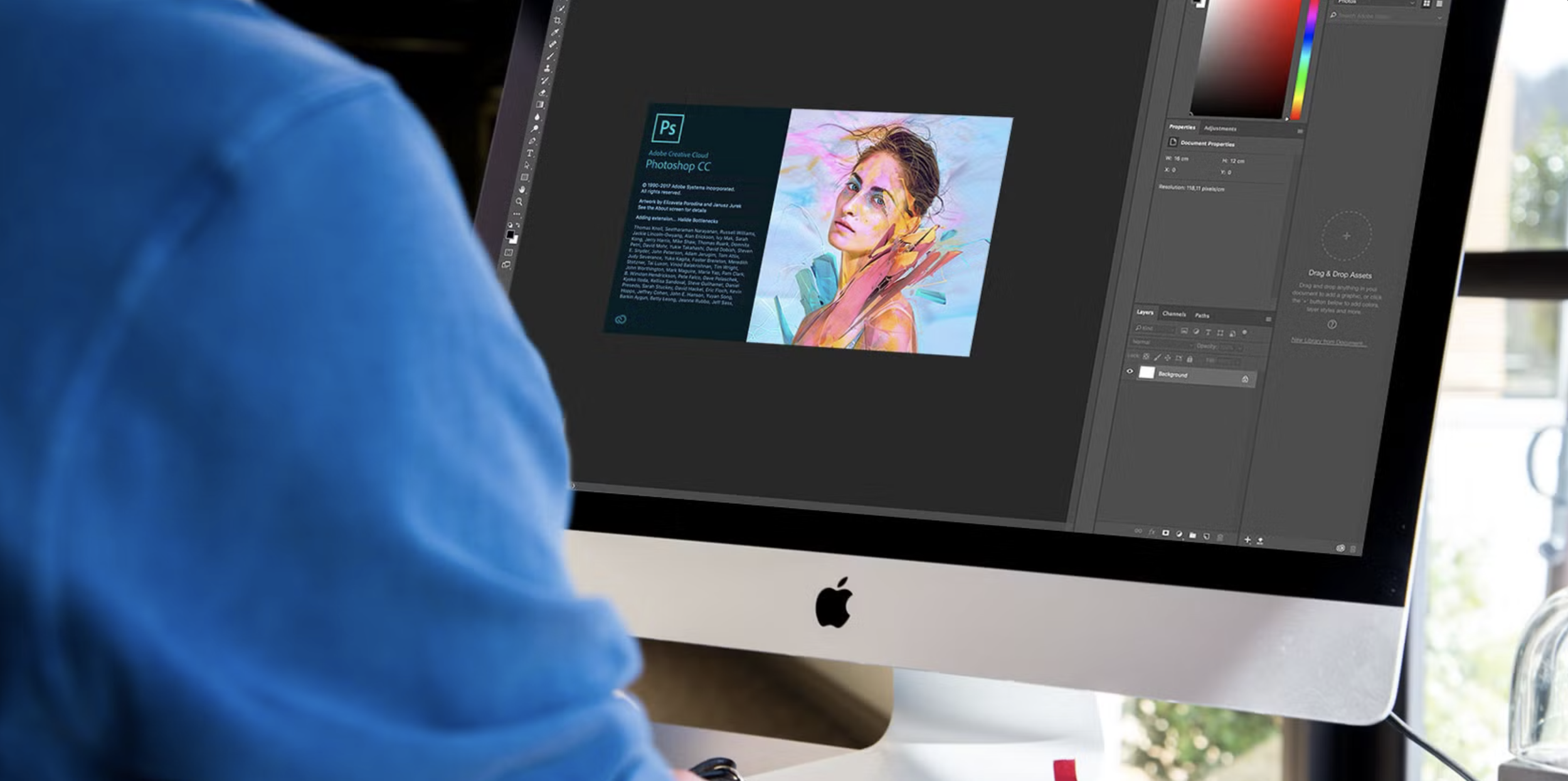
Week 9 - Introduction to Photoshop
Learn the fundamentals of photoshop
Learn the fundamentals of photo editing and retouching using Adobe Photoshop, including layers, masks, healing tools, and AI-powered features.
What You’ll Learn This Week
Lesson 9 - Photoshop for Photographers
This lesson introduces Adobe Photoshop as a powerful photo editing and retouching tool. You’ll learn how Photoshop works using layers, how to make non-destructive edits, clean up images, retouch skin naturally, and use modern AI tools like Generative Fill.
By the end of this lesson, you will understand:
• What Photoshop is and how it differs from Lightroom
• How Photoshop’s layer-based editing system works
• How to crop and reframe images to improve composition
• How to use adjustment layers for non-destructive edits
• How to remove blemishes using the Spot Healing and Healing Brush tools
• Best practices for natural-looking skin retouching
• How Photoshop brushes work (size, hardness, opacity, and flow)
• How to use layer masks for selective editing
• How to invert masks to apply adjustments precisely
• How to use Photoshop’s AI Generative Fill to remove or replace elements in an image
Lesson 9 Downloads
These are the digital versions of the handouts you’ll receive in class. Download and save these to your computer for easy reference.
If you misplace your printed handout, this is your backup copy.
🎥 Lesson 9 Video
These are your Lesson 9 video walkthrough videos. Watch these before class to prepare, or revisit it afterward to reinforce what we covered in the studio.
Take notes as you watch. Don’t worry about mastering everything at once - we’ll build this skill together through hands-on practice.
Week 9 Assignment
This assignment helps you practice basic Photoshop editing and retouching techniques while keeping your images natural and non-destructive.
Your goals this week are to:
Open and organize an image in Photoshop
Use the Crop Tool to improve composition
Apply at least two adjustment layers
Perform basic cleanup using Spot Healing and Healing Brush tools
Use brushes with controlled opacity and softness
Apply a layer mask to limit an edit to specific areas
Experiment with Generative Fill for cleanup or creative use
✅ Upload the assignment below once it’s completed.
Next Lesson
When you're ready, continue on to the next lesson.