
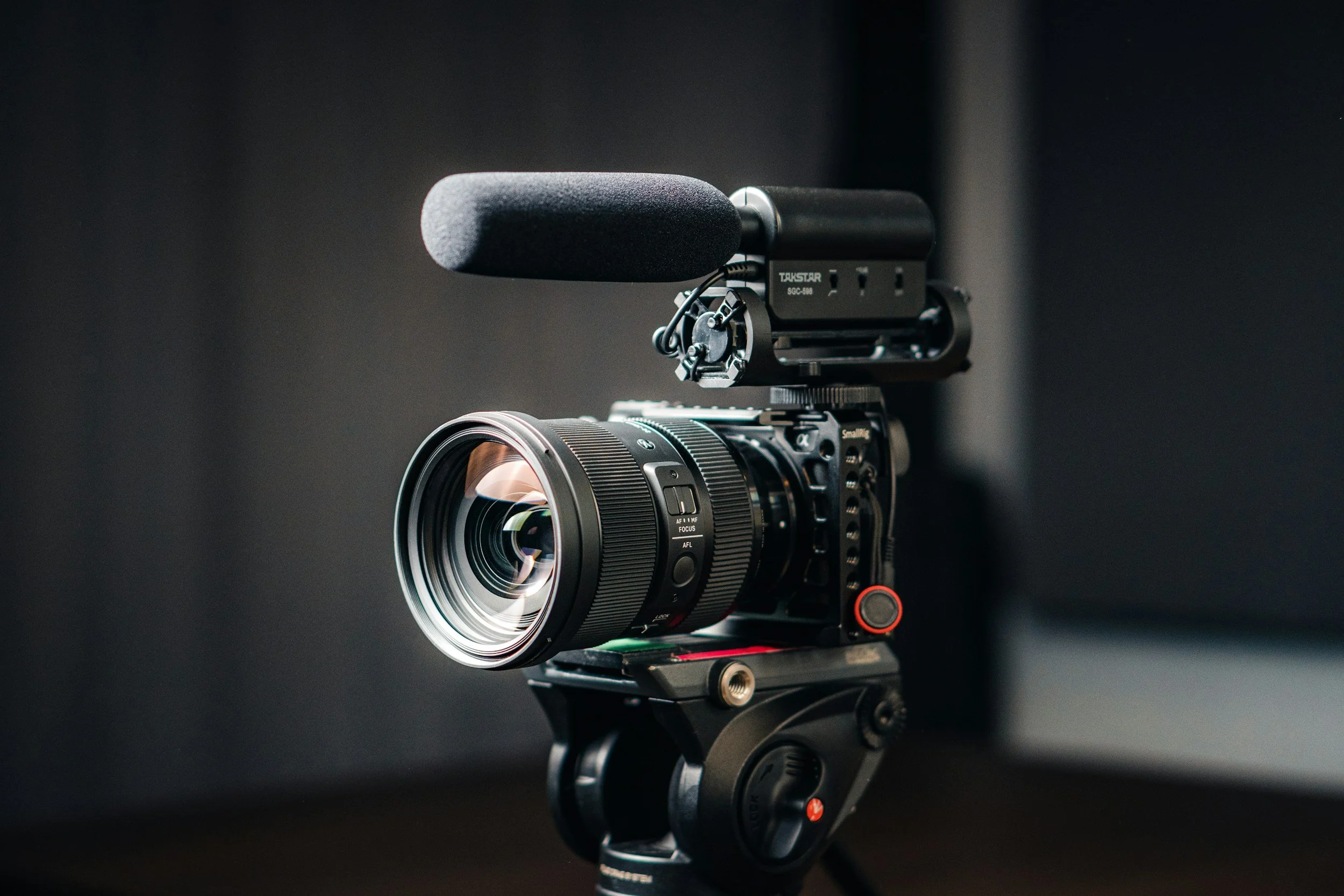
Week 5 - Introduction to Video
Learn the fundamentals of video
This lesson teaches you to understand frame rates, shutter speed, exposure, basic lighting, audio, and file formats - so you can start filming with confidence.
What You’ll Learn This Week
Lesson 5 - Introduction to Video
This lesson is your starting point for shooting video. We’ll cover the most important differences between photo and video, the camera settings that matter most, and the basics of composition, lighting, and audio - so you can shoot clean, consistent footage.
By the end of this lesson, you will understand:
The key differences between photography vs. video
Frame rates (24 / 30 / 60+) and when to use each
The basic shutter speed rule for natural-looking motion
How ISO and aperture affect video exposure and depth of field
Why white balance consistency matters (and when to avoid Auto WB)
Basic composition and simple camera movement types
Continuous lighting basics for video (vs. strobes)
Audio fundamentals and microphone options
Common resolutions (1080p vs 4K) and file formats (MP4 / MOV / ProRes)
Lesson 5 Downloads
These are the digital versions of the handouts you’ll receive in class. Download and save these to your computer for easy reference.
If you misplace your printed handout, this is your backup copy.
🎥 Lesson 5 Video
This is your Lesson 5 video walkthrough. Watch this before class to prepare, or revisit it afterward to reinforce what we covered in the studio.
Take notes as you watch. Don’t worry about mastering everything at once - we’ll build this skill together through hands-on practice.
Audio
🎬 Week 5 Assignment – Intro to Video Practice
This week is all about getting comfortable shooting simple video clips with the correct settings.
No editing yet — just focus on clean footage, good settings, and steady shots.
You will be filming:
A short clip of yourself speaking
A couple of b-roll clips of something around you
Keep it simple and don’t overthink it. The goal is to build confidence and consistency.
✅ Your Goals This Week
🎤 1. Film Yourself Speaking (Main Clip)
You will record one short speaking clip of yourself on camera.
Settings for this clip:
Frame Rate: 24fps
Shutter Speed: 1/50 (or as close as your camera allows)
White Balance: Set manually (no auto)
Exposure: Adjust using aperture + ISO so your face is properly lit
Lighting (use what we’ve learned so far):
Window light from the side
A light placed at a 45° angle
Bounced light off a wall or ceiling
Any simple, soft light setup that keeps your face evenly lit
What to say:
Introduce yourself and answer these:
Your name
Why you joined this course
One type of video you’d love to learn to make
Keep it around 15–30 seconds.
Tips:
Keep the camera steady (tripod or stable surface)
Make sure your face is well lit
Look at the lens, not the screen
🎥 2. Film 2–3 B-Roll Clips
Now capture a few simple b-roll shots of something around you.
This could be:
Making a coffee or tea
Walking through a space
Typing on a laptop
Someone doing an activity
Details like hands, objects, or movement
Settings for these clips:
Frame Rate: 60fps
Shutter Speed: 1/125 (or close)
Same white balance as your speaking clip if possible
Each clip should be about 5–10 seconds long.
Try to get different shot types:
One wide shot
One medium shot
One close-up/detail shot
🎧 3. Quick Audio Check
For your speaking clip:
Record in a quiet room
Get close enough so your voice sounds clear
If you have an external mic, use it — if not, that’s okay
📁 What to Upload
Upload your raw video clips to the class Google Drive:
Your speaking clip (24fps)
Your b-roll clips (60fps)
No editing needed. Just upload the original files straight from your SD card.
🎯 What This Assignment Teaches You
By completing this, you will practice:
Correct video frame rates
Proper shutter speed (180-degree rule)
Manual white balance
Locking in exposure
Basic lighting for video
Speaking on camera
Shooting simple b-roll
Steady camera work
This is your first step into real video shooting - keep it simple and focus on doing the basics well.
When your done, please upload your video clips to the google drive folder!
Next Lesson
When you're ready, continue on to the next lesson.