
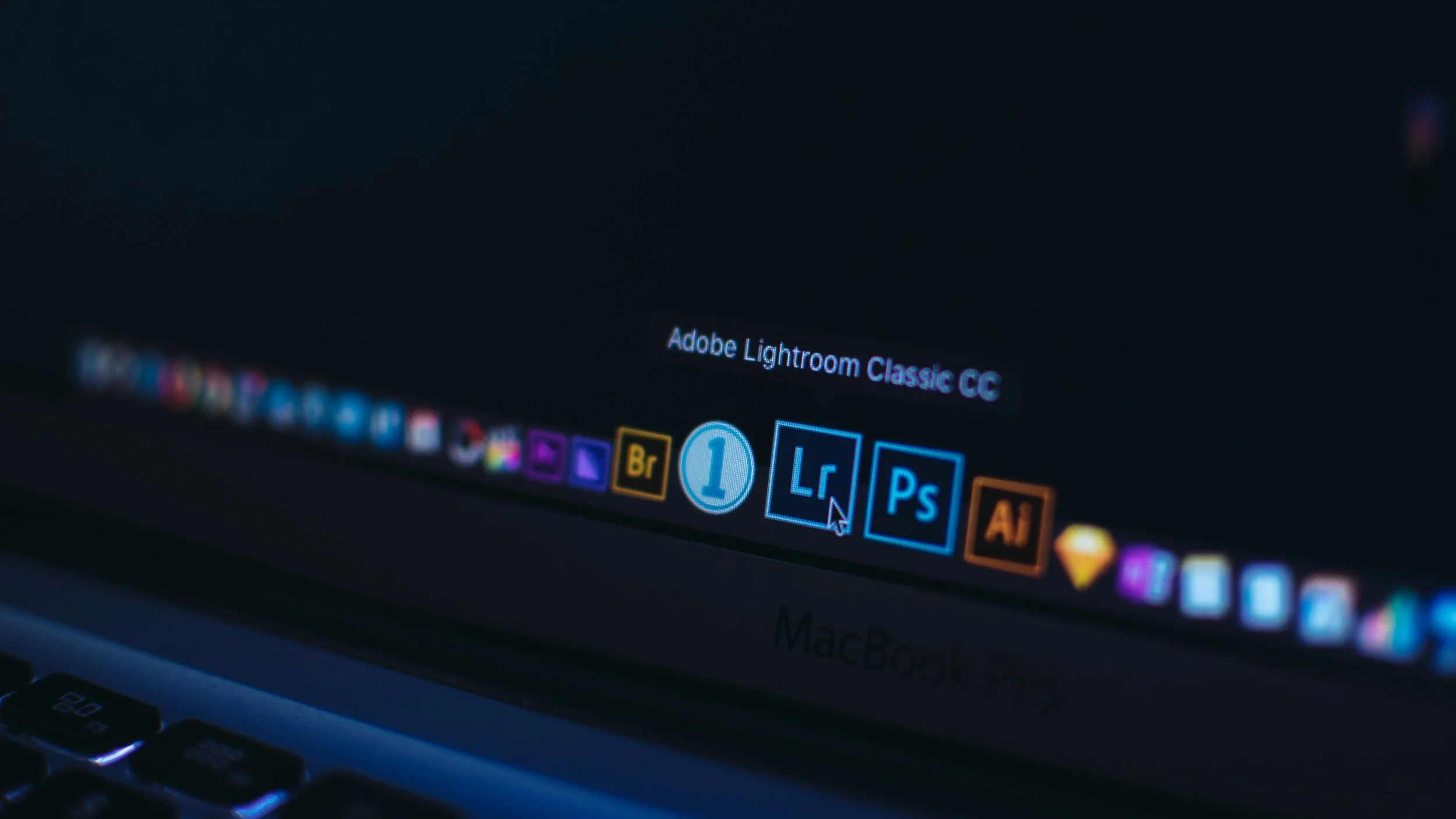
Week 4 - Basics of Adobe Lightroom + Evoto AI
Learn the fundamentals of digital photo editing using Adobe Lightroom and Evoto AI.
This lesson teaches you how to organize, edit, and transform your images using professional workflows and beginner-friendly tools.
What You’ll Learn This Week
Lesson 4 - Basics of Adobe Lightroom (Photo Editing)
Lightroom is one of the most powerful and essential tools for photographers. In this lesson, you’ll learn how to navigate Lightroom’s interface, import and organize your images, and make professional-quality edits in the Develop module. These skills will form the foundation of your photo-editing workflow.
You’ll also learn the basics of Evoto AI - a fast, intuitive tool for portrait retouching and enhancing your images using artificial intelligence.
By the end of this lesson, you will understand:
• What Lightroom is and how photographers use it
• How to import and organize photos using folders, keywords, and collections
• The purpose of Lightroom’s Library and Develop modules
• How to use the Basic Panel: white balance, exposure, contrast, and tonal adjustments
• How to use Tone Curve, HSL/Color, Detail, and Lens Correction panels
• How to crop, retouch, and apply local adjustments
• How Lightroom’s non-destructive editing works
• How to export photos for print, web, or social media
• How Evoto AI speeds up portrait retouching
• How to use Evoto’s AI-powered tools: skin smoothing, blemish removal, eye enhancement
• How to make global adjustments using Evoto’s Enhancement and Color panels
Lesson 4 Downloads
These are the digital versions of the handouts you’ll receive in class. Download and save these to your computer for easy reference.
If you misplace your printed handout, this is your backup copy.
🎥 Lesson 4 Video
This is your Lesson 4 video walkthrough. Watch this before class to prepare, or revisit it afterward to reinforce what we covered in the studio.
Take notes as you watch. Don’t worry about mastering everything at once - we’ll build this skill together through hands-on practice.
Week 4 Assignment
This assignment helps you practice the full Lightroom workflow and apply basic retouching in Evoto AI. Your goal this week is to become comfortable navigating both tools and to build confidence in your editing decisions.
Your goals this week are to:
• Import your practice photos into Lightroom
• Apply a full edit using the Basic Panel (white balance, exposure, contrast, etc.)
• Adjust colors using the HSL/Color panel
• Add sharpening and noise reduction
• Use crop and spot-removal tools
• Export your edited photo
• Bring your final image into Evoto AI for quick portrait retouching
• Apply gentle AI enhancements (eyes, skin, blemishes)
• Export your final polished image
When your finished editing please upload your edits to your google drive folder on the portal homepage.
Next Lesson
When you're ready, continue on to the next lesson.