
Week 1 - Camera Basics
Understanding your camera so you can shoot with confidence.
This lesson lays the foundation for everything you’ll create in the course.
What You’ll Learn This Week
Lesson 1 – Introduction & Camera Basics (Photo + Video)
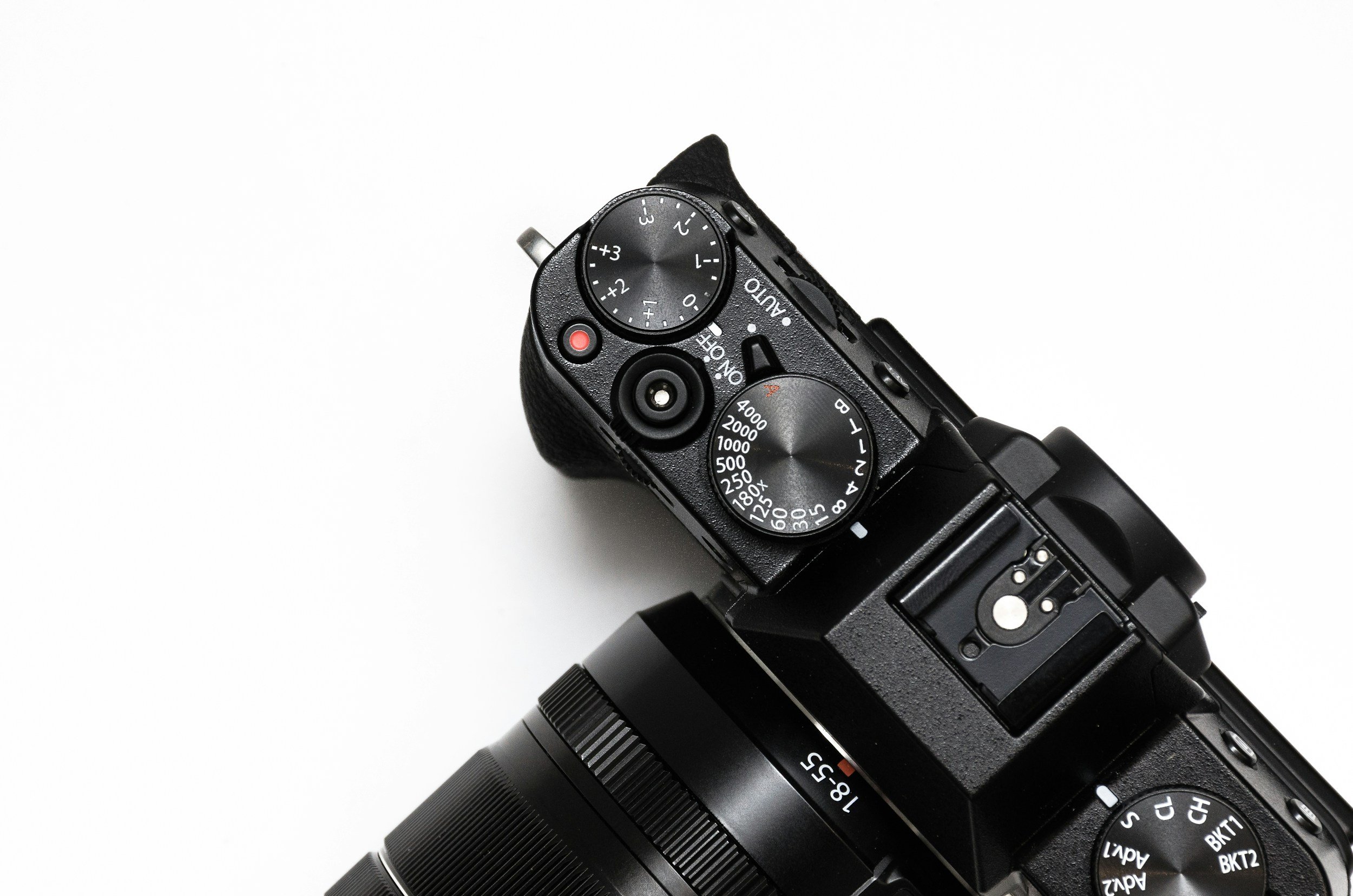
This first lesson introduces the core fundamentals of how your camera works for both photography and video. Watch the video first, then download the Lesson 1 notes to follow along and review after class.
By the end of this lesson, you will understand:
The main parts of your camera and how they function
The key differences between photo and video settings
How aperture, shutter speed, and ISO work together
How frame rate and shutter speed affect video motion
How to use white balance for accurate color
Lesson 1 Downloads
These are the digital versions of the handouts you’ll receive in class. Download and save these to your computer for easy reference.
🎥 Lesson 1 - Video Tutorials
These short videos focus on the core camera skills we’re learning in this lesson. Each tutorial covers one topic at a time so you can watch, pause, and practice at your own pace.
Use these videos to review what we covered in the studio and to reinforce the skills as you continue practicing throughout the program. You can come back to these anytime if you need a refresher.
Camera Settings - First Steps
White Balance
Auto Focus
Quick Access Button
Shutter Speed
Aperture
ISO
Custom Button Setup
Week 1 Assignment
Getting Comfortable With Your Camera
This week is all about getting familiar with your camera and building confidence with the settings we covered in class. There is no formal assignment due next week and nothing needs to be uploaded - this practice is just for you.
Over the next few days, I encourage you to:
Watch the Lesson 1 tutorial videos in the portal
Use the Camera Settings Cheat Sheet as a guide while you practice
Try different shutter speeds, apertures, and ISO around your home or when you’re out and about
Notice how your camera reacts to light, motion, and different environments
Set up your custom buttons for quick access to important camera functions (watch the Custom Button Setup tutorial for guidance)
If your camera doesn’t have custom buttons - or you prefer not to use them - that’s totally fine. In that case, just make sure you know how to quickly access your shutter speed, aperture, ISO, and white balance so you can adjust them confidently while shooting.
Setting up quick-access controls (or custom buttons if available) will help your camera feel more intuitive and speed up your shooting workflow - and we’ll also be talking more about this together in class.
There are no right or wrong results this week - the goal is simply to experiment, explore, and start feeling confident using your camera outside of the studio.
If you’d like, you’re always welcome to bring a few photos or questions to class for discussion.
Next Lesson
When you're ready, continue on to the next lesson.